
How to Choose a Business Printer or Scanner for Your Office

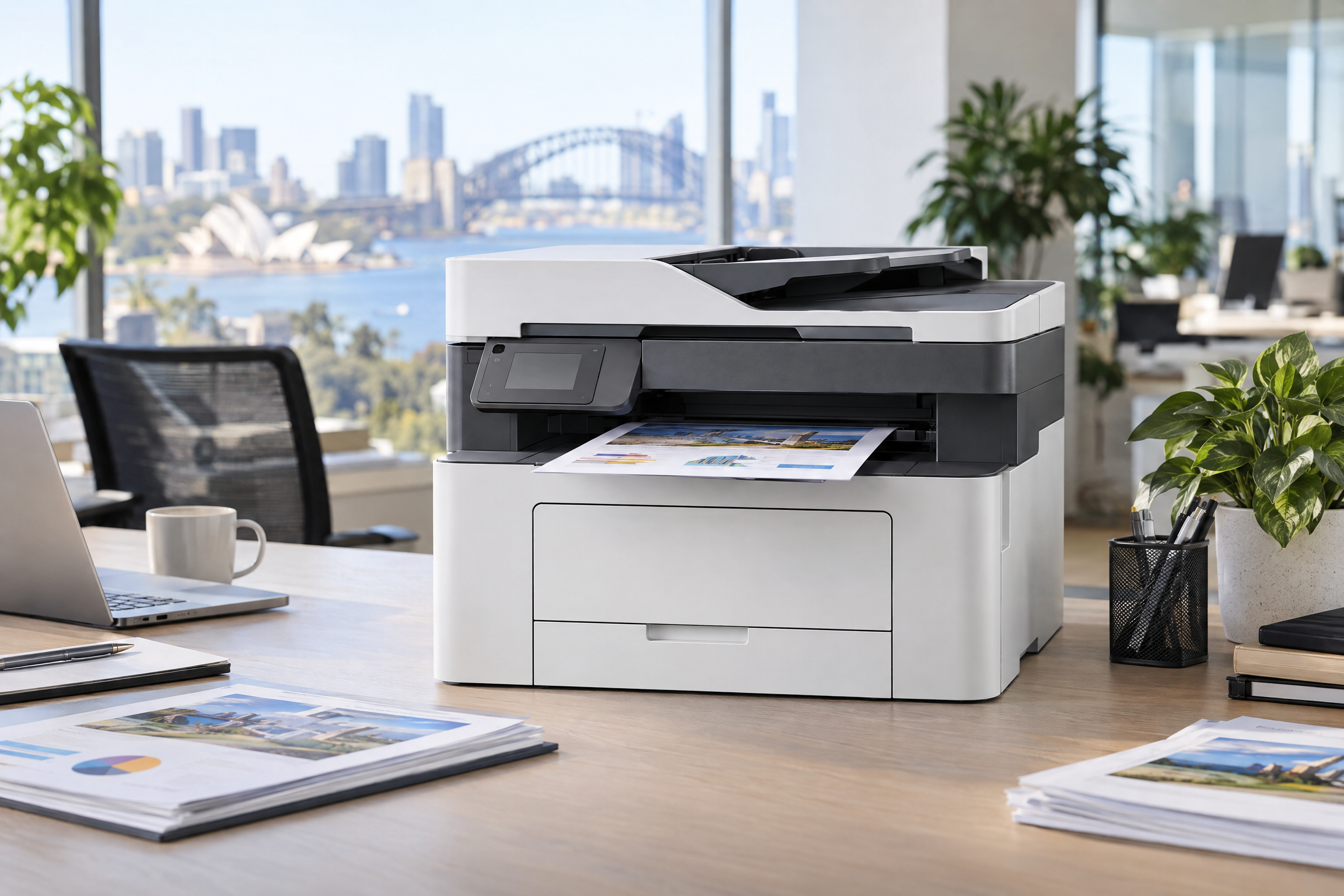
Choosing the right business printer or scanner starts with the work your team needs to complete every day. The best option is not simply the lowest purchase price. It is the device that fits your document volume, colour requirements, scanning workflow, workspace and ongoing consumables plan.
Easy Office Supplies offers a broad range of business printers and scanners for workplaces, from everyday document devices through to colour, A3 and wide-format options.
Start with the documents your team creates
Before comparing models, list the jobs that the device will support. A team producing invoices, reports and internal documents may have different needs from a design, education, logistics or client-facing team.
- Black and white documents: Review black and white A4 laser printers for focused document printing.
- Colour business documents: Consider colour A4 laser printers when presentations, sales material or colour-coded information are part of the workflow.
- Larger output: A3 and wide-format printers may suit plans, posters and large-format business documents.
Decide whether you need printing, scanning or both
A multifunction device can suit teams that need to print, copy and scan from one location. A dedicated document scanner can be a stronger fit when converting paper records into searchable digital files is the priority. Think about the type of documents being scanned, the number of users and where incoming paperwork is stored after scanning.
Plan for the total operating experience
For a shared workplace device, assess paper handling, connectivity, available space, the location of the device and how easy it will be to keep consumables on hand. Include the availability of printer accessories and parts in the buying plan.
Get help with a business purchase
If you are choosing equipment for a team, office move or replacement program, start with the workflow rather than a product name. Browse the Printers and Scanners range or request corporate pricing for larger business requirements.
Quick answers for business printer buyers
What information should I collect before comparing printers?
Record your expected monthly page volume, the mix of colour and black-and-white documents, required paper sizes, the number of users and whether you need automatic document feeding or two-sided scanning. Confirm each feature in the model specification.
How should I compare ongoing printing costs?
Compare the price and stated yield of compatible consumables, and note which supplies are included with the device. A cartridge price divided by its stated yield gives a comparison estimate, not a guaranteed real-world cost per page: coverage, document type and other consumables can change actual costs.